
We have had a report that a student at another University has received a SMS Phishing message (text message) purporting to be from the University. The message states that the student’s attendance is below 60% and as such is in breach of their student loan terms. It then goes on to state that they need […]
Category: IT News
You said, We did – FAQs
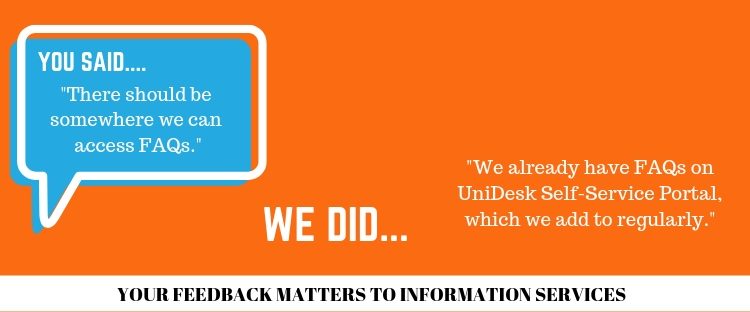
You Said – “There should be somewhere we can access frequently asked questions.” We Did – We already have FAQs on UniDesk Self-Service Portal, which we add to regularly. You can access these from UniDesk Self-Service from the Portal. Within UniDesk there are a number of tiles, to access all of the FAQs for the […]

Phishing emails
Receiving phishing emails is something that happens with a regular occurrence. We are always happy to help you identify these types of emails. Forward anything you are concerned about to information.centre@stir.ac.uk Recently a member of staff forwarded an email to us that was a very good example. Look at the email below carefully, be suspicious […]

Uni yearbook email circulating
We’ve been made aware of an email received by some students from a company called uniyearbook.com. Please be aware that this company is not affiliated with the University – it is an independent organisation selling a product. They do state this within the email text but in very small type at the bottom of the […]
You said, We did – Printing
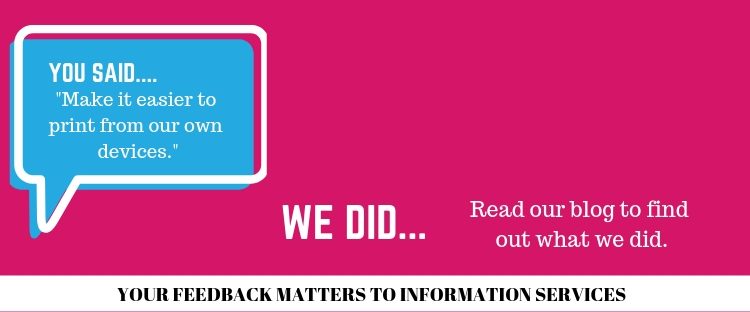
You said – “Make it easier to print from our own devices”. We did – Last summer we replaced all printers on campus with a new fleet of Ricoh multifunctional devices (MFDs). We have installed more printers in the library including 3 printers on Level 2 of the library (2 of which print 55 pages […]
Ordering toner and consumables for your Ricoh MFD
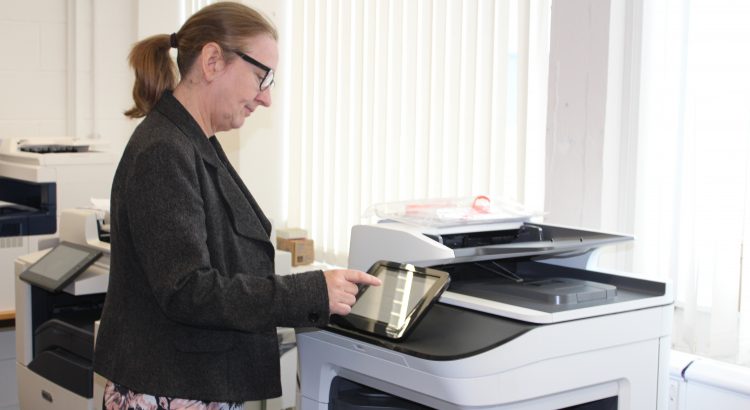
We have now set up an order form on UniDesk to allow you to order toner and consumables for your departmental MFDs. You can order the different toner types, you can also order waste toner containers and staples. You have the option to have the supplies delivered to your office or collect from Graphics and […]

WARNING SCAM EMAILS: DON’T GET CAUGHT
Further to our Information Security alert of last Thursday which was distributed by email to all staff and all students, as well as published in the Student Bulletin and on all IS channels, we are now seeing a resurgence of blue button emails amongst the student community. Since the initial attack last Thursday, we have […]

Safer Internet Day 2019
Safer Internet Day 2019 will be celebrated globally on Tuesday 5th February with the slogan: ‘Together for a better Internet’. Coordinated in the UK by the UK Safer Internet Centre the celebration sees hundreds of organisations get involved and join a national conversation about using technology responsibly, respectfully, critically and creatively. The day offers the […]
You Said, We Did – Cybersecurity
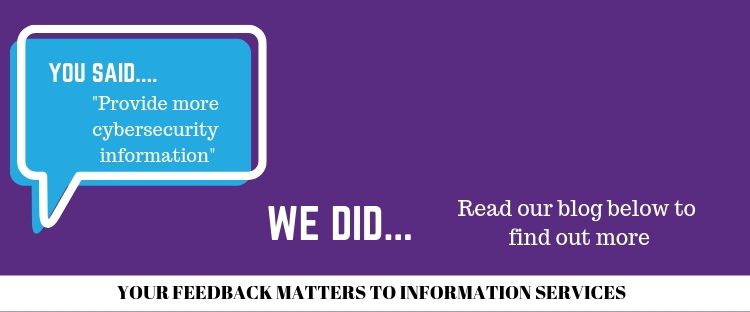
You said.Can you provide more cybersecurity promotion and can you provide assistance on how to stay safe online. We Did.Cybersecurity is something that Information Services take very seriously.Over the last year we have run three targeted campaigns; Safer internet day – with blog posts and social media running over 2 weeks. We collaborated with Police […]
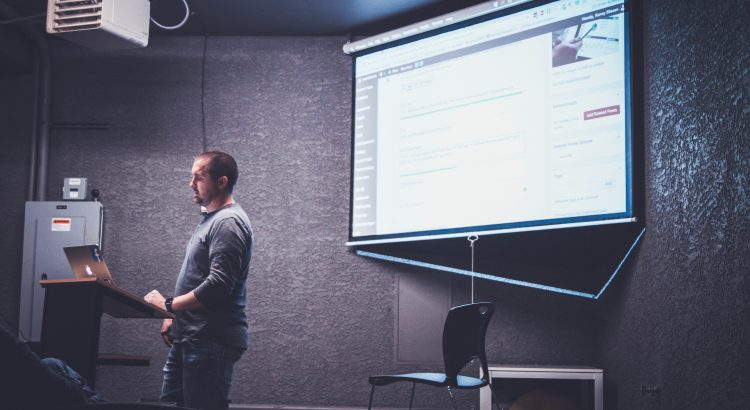
PowerPoint Presenter View
We have made a change to the set up in the teaching spaces. The change revolves around PowerPoint’s presenter view and ensuring that it works consistently in all teaching spaces. Presenter view allows you to view your speaker notes on the desktop screen while the students view the slides on the main screen. There are […]