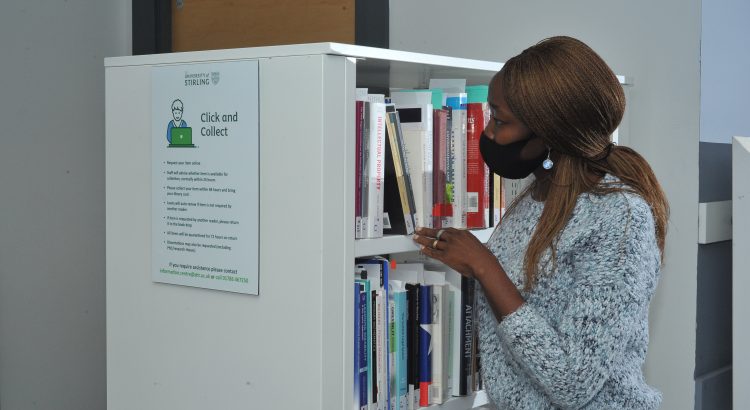
A warm welcome to our new students and welcome back to our returning students. You’re probably not surprised to hear that access to the Library this autumn semester is going to be a bit different…… From Monday 14th September, some changes are going to be made to the way you access the Library and it’s […]

Working with documents in Office 365
Are you confused about the difference between files in MS Teams and SharePoint? Wondering what OneDrive is all about? View this short (20 min) video to give you a background to how the main 3 Office 365 apps involved in file management (MS Teams, SharePoint and OneDrive) interact with each other. You can get further […]
Connecting to eduroam (University Wi-Fi)
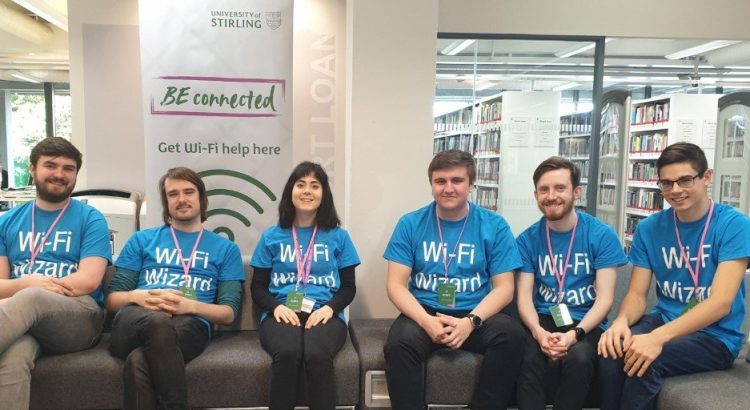
When you arrive at the University you will find that there is Wi-Fi available in most of the campus (You can’t do this until you are on campus). To access this Wi-Fi you will need to configure your device to access eduroam. We have created some videos to help you to configure your device (and […]

Library services that you can access from your home or student accommodation.
You may not be able to make it in to the library, but you can still access many of our resources online. The portal is the gateway to accessing many of these resources. Library catalogue – including access to ebooks and ejournals Canvas – where you can access your modules and your reading lists UniDesk […]

Why are universities targeted by cyber-attacks?
In May of 2020, the cloud computing provider Blackbaud which is a major supplier to Universities across the globe was targeted by a ransomware attack. While Blackbaud managed to minimise the damage to its systems, the cyber criminals behind the attack managed to steal a subset of data. As a result, many universities in the […]

Click and Collect
The Library is offering Click and Collect Service. This will make the library print collections available to staff and students. Currently, it is not possible to browse the shelves on Levels 3 and 4 until after 8 pm or at weekends, you can still access the short loan collection. If you don’t have a library […]

Scan to OneDrive is here!
Information Services is enabling Scan to OneDrive, which allows you to scan documents and upload them to your OneDrive cloud storage in Office 365, on Wednesday 2nd September. Once this feature is enabled, you will need to go through a quick setup process after scanning your first document on a printer/MFD. Please see guidance on […]

DMPonline service unavailable due to updates on 3rd September
The DMPonline service will be unavailable tomorrow, 3rd September, from 11:00 to 12:30 whilst the Digital Curation Centre make some updates to the service for Stirling users. The updated service will have a new URL (https://dmp.stir.ac.uk) but users should continue to access the service via the University Portal as DMPonline authentication is integrated with the […]

Panopto mandatory upgrade – get version 8 now!
If you have Panopto installed on your device, then you will need to manually upgrade to version 8. How do I know which version I have? To check which version of Panopto you have installed, launch and log into Panopto, click the settings cog in the bar at the top – you will find the version number in […]

Buying a new device for your university studies
Are you considering getting a new device for your university study? See our recommended specifications below. Windows PC/laptop Operating SystemRECOMMENDEDWindows 10 Home or Pro Processor TypeMINIMUMCore i5 ProcessorRECOMMENDEDCore i7 Processor MemoryMINIMUM8 GB RAM or higher Hard DriveMINIMUM250 GBRECOMMENDED500 GB or higher Graphics CardMINIMUM512 MB Video Memory or higher Apple Macintosh OperatingSystemMac OS 10.15 or higher […]