LibKey Nomad is a handy browser extension that gives you one-click access to full-text scholarly articles. It works by connecting you to the library’s subscriptions, as well as highlighting any available open access versions.
How to get LibKey Nomad
You can install LibKey Nomad on your own device’s web browsers here:
https://thirdiron.com/downloadnomad/
Good news – LibKey Nomad is already installed on all university-managed computers on campus, for both students and staff.
How it works
Once installed, LibKey Nomad automatically adds helpful buttons to your search results across a wide range of platforms, including publisher websites, library databases, and even Wikipedia.
For example, you might see:
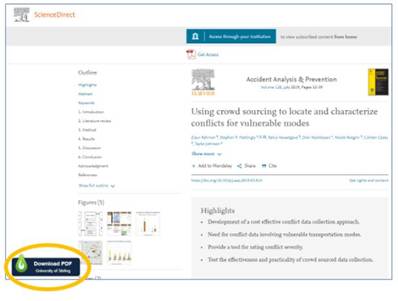
- A “Download PDF” button on publisher sites like ScienceDirect, for example this article at https://doi.org/10.1016/j.aap.2019.03.014
- Direct links to articles and ebooks within Wikipedia reference lists, for example: https://en.wikipedia.org/wiki/Pareidolia#References
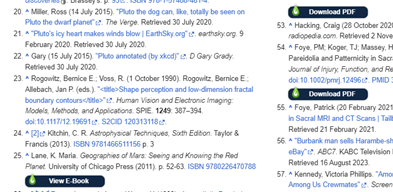
These buttons take you straight to the best available full text – no extra searching required.
Smart access, wherever you are
LibKey Nomad is designed to make accessing content as seamless as possible.
- If the library has access, you’ll be taken directly to the full text.
- If access isn’t available on that site, Nomad will guide you to LibrarySearch so you can access via an alternative platform.
- If the article isn’t available at all, you’ll be directed to our Document Delivery service so you can request it.
Popular already
LibKey Nomad is already proving popular at Stirling. In 2025 alone, it was used more than 15,000 times, helping users quickly and easily access resources.
Get started
Download LibKey Nomad and make your research faster and easier:
https://thirdiron.com/downloadnomad/
You can also learn more in our ‘Finding Full-Text: Browser plug-ins Guide’.
Clare Allan
Digital & Systems Librarian