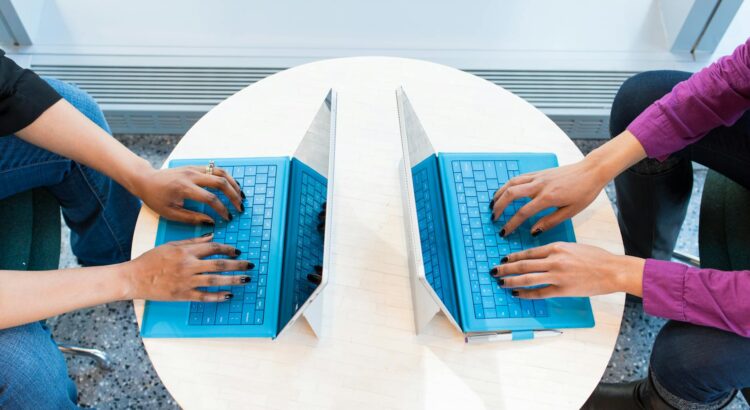
We’re making some exciting updates to your study spaces and laptop loan service! As part of our improvements, we have replaced all the all-in-one (AIO) computers on Level 2 of the library with docking monitors. These can be used with laptops borrowed from the Lapsafe cabinets or your own device, giving you more flexibility and control over how you work. You’ll be able to plug in and get started quickly, whether you’re using a university laptop or your own.
Upgraded to Windows 11
To support these changes, all LapSafe laptops will be upgraded to Windows 11. This will improve performance, compatibility, and your overall experience when using the new docking monitor setup.
🕒 Loan Options to Suit Your Schedule
We offer three types of laptop loans:
- 8-hour loans – Perfect for a full day of productivity. These are available in the Library’s self-service cabinets.
- 4-hour loans – Ideal for short bursts of study or attending a class. Available from cabinets near Pathfoot Dining Room.
- 4-week loans – Great for extended projects or coursework. Pick these up from the cabinet in the atrium near Scran. Remember and collect a charging cable from the Lending Desk in the Library.
All loans are free of charge and available on a first-come, first-served basis. Just scan your student card, accept the terms, and follow the on-screen instructions to collect your device.
When is this happening?
Now, we have already replaced the AIO’s and the Docking monitors are in place.
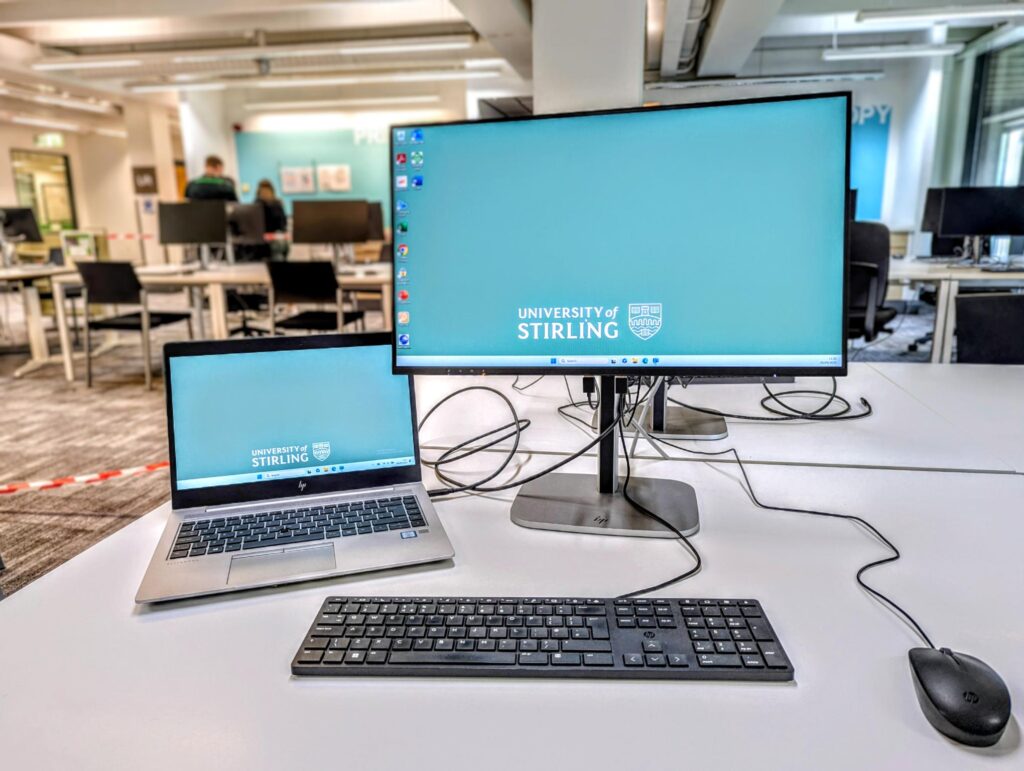
🖥️ New Docking Monitor Zone on Level 2
We will be upgrading Level 2 of the Library with docking monitors, replacing traditional all-in-one PCs. This new setup allows you to:
- Plug in your own device for a dual-monitor experience.
- Borrow a laptop from our loan cabinets if you don’t have one.
This initiative is part of our commitment to improving accessibility and flexibility for all students.
We would love your feedback about this. You can share your feedback here.
🧠 Need a Device for Longer?
If you don’t have a suitable device for study and are unable to purchase one of your own, you can apply for a long-term laptop loan. These devices are typically loaned for the academic year and can be requested via this page.
🧾 Returning Your Laptop
When you’re done, simply press “return” on the cabinet screen, scan your card, and plug in the power cable until the locker light turns red. For eight-hour and four-week loans, don’t forget to return the charging cable to the Lending Desk to clear your library record.
📍 Find Us: Laptop loan cabinets are located on Level 2 of the Library, in the study zone off the Atrium, and near Pathfoot Dining Room.
💬 Need Help?: Contact the Information Centre via live chat, UniDesk, or in person on Level 2.